Leave your email and the studio sends a small sample by return email: three printable pages from Field Notes and the first chapter of the handbook. A person sends it, usually the same working day, and you will hear about new products now and then.
One email now, a note about a new product now and then. Leave with one click, any time.
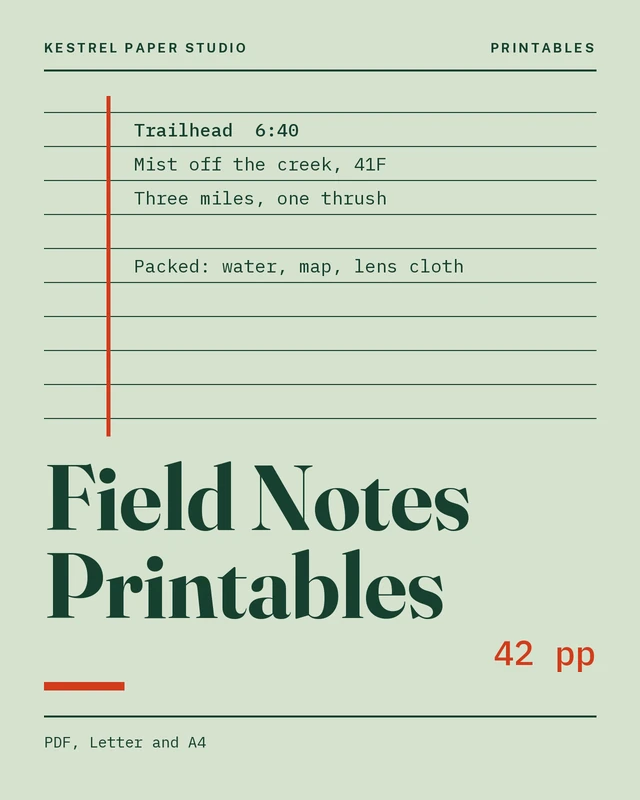
Field NotesDaily log
Tuesday 14 October
Porch, 7:10 a.m.
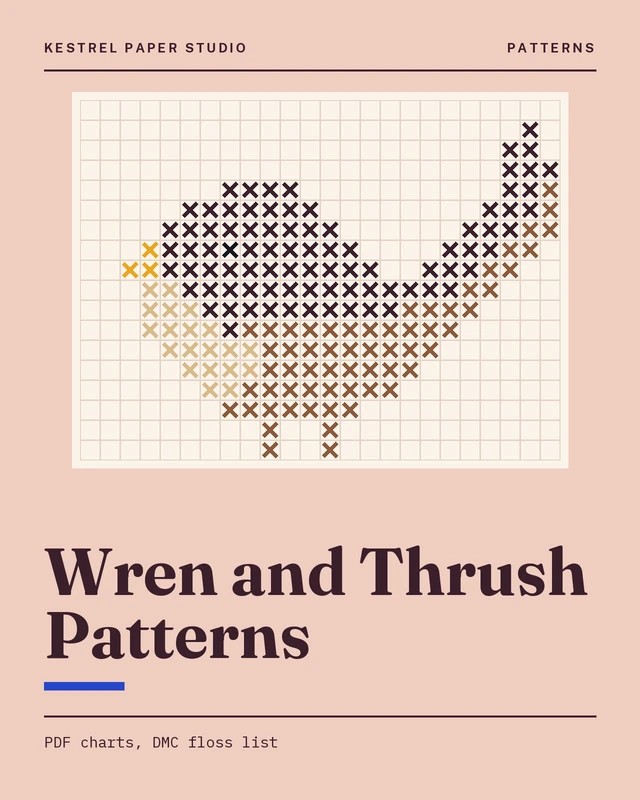
A wren on the feeder rail, tail cocked, scolding the cat. Third morning this week. Frost on the rail, none on the steps.
Made today
Learned
Tomorrow
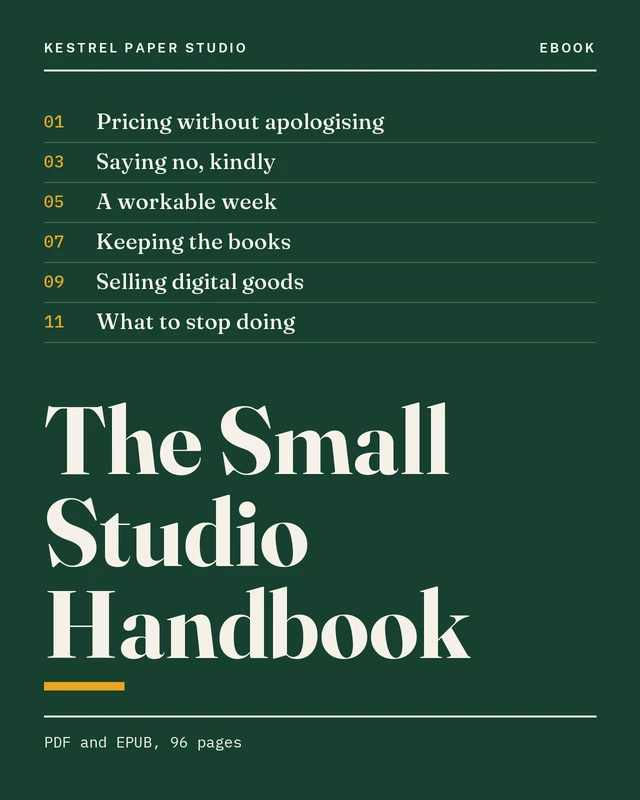
The Small Studio HandbookChapter 4
04
Pricing without apology
A price is the shortest thing you will ever write about your work, and the one people read first. Start from what an hour costs you, not from what the market around you seems to tolerate. The number you arrive at will feel too high. It usually is not.
Write it down once, put it where you can see it, and quote it the same way every time. A discount is a decision, not a mood.
28
Why buy here
Plain files
PDF, EPUB, WAV, XMP, DOCX. Nothing needs an app, an account or a subscription to open.
Every file listed
Each product page names every file inside it with its size, so you know what you are buying before you pay.
One person answers
Questions about a file, a license or a lost link go to the person who made the product.
The studio is one desk, one printer and a drawer of test prints in Asheville, North Carolina. Everything is made, tested and supported by Maren.
How downloads work
The studio does not host files or take payments on this site. Each Buy button opens the studio's own checkout page, run by a payment company the studio chose. That company takes the payment and sends you the download link.
After you pay on the studio's checkout page, the payment company emails you a download link and a receipt. The files are yours to save to your own device.
Is my card number safe?
This site never sees it. You type it on the checkout page of the payment company the studio uses, under their privacy policy.
What is the difference between Personal and Commercial?
Personal is for your own use. Commercial adds the right to use the files in work you sell or deliver to clients. Neither lets you share, resell or give away the files themselves. The licenses page spells out both.
Can I print a printable more than once?
Yes, as many copies as you need for yourself. Printing copies for other people to use needs a Commercial license.
The link says it has expired.
Write to the studio with the email address you used. A person sends a fresh link, usually the same working day.
I did not get an email.
Check the junk folder first. If it is not there, write to the studio with the product name and the address you used at checkout.
Can I get a refund?
Digital files cannot be sent back, so the studio refunds when the files do not open or are not what the listing showed, or when you bought by mistake and have not downloaded. Write within fourteen days.
Will it work on my device?
Each product page lists what it works with. If you are not sure, ask before buying and a person will tell you.
Do you offer a team or classroom license?
Not yet. Write to the studio with what you need and it will say what it can do.
Will the files be updated?
Small fixes are free: the studio sends the new version to everyone who bought. The product page shows the version and the month it was last updated.
Ask the publisher
Ask about a product, a license, a download or a refund. Short answers, from the studio's own words. On this demo the answers are matched from the site's own words; on a live site the AI studio desk answers.